
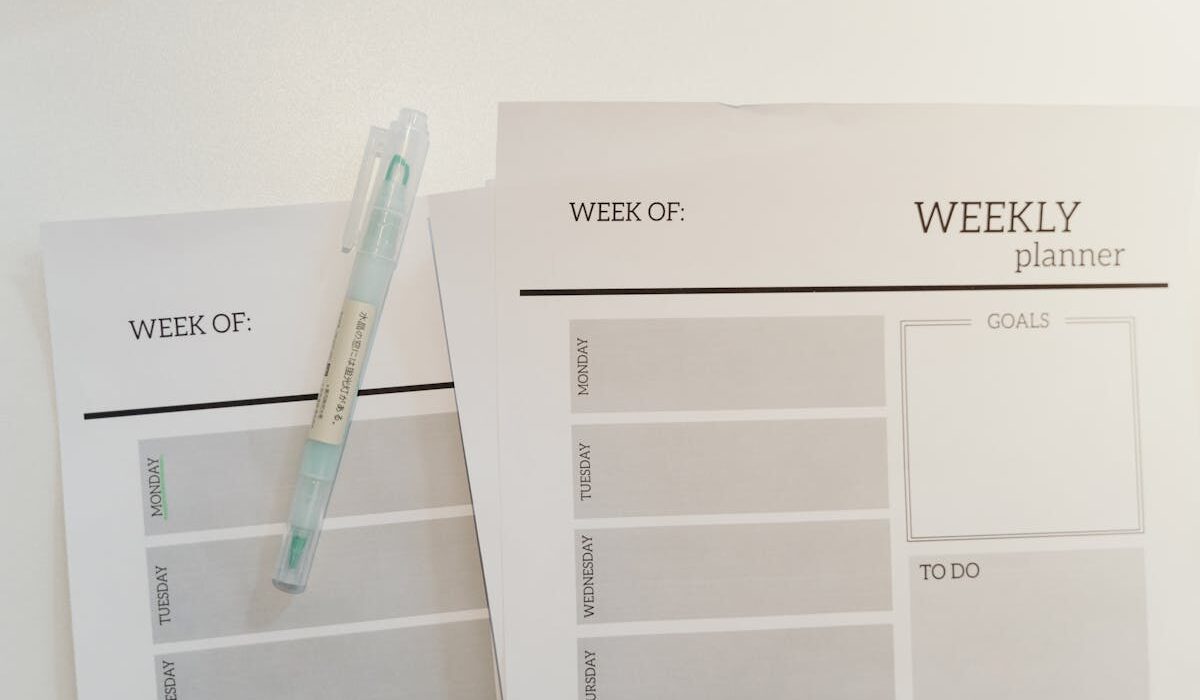
Time blocking for beginners means dividing your day into focused segments and assigning a specific task to each one. Instead of staring at a long to-do list and feeling paralyzed, you give every important task a home on the clock. Studies suggest this simple structure can cut decision fatigue, lower stress, and help you finish more meaningful work in less time.
I started time blocking after a season where my to-do list felt endless. Tasks would slide from Monday to Friday, then to next week, and I would still wonder what I had actually done. The first day I tried it, I blocked just three things: morning writing, errands, and a phone call I had been dodging. I crossed all three off by 2 p.m. and felt lighter than I had in months.
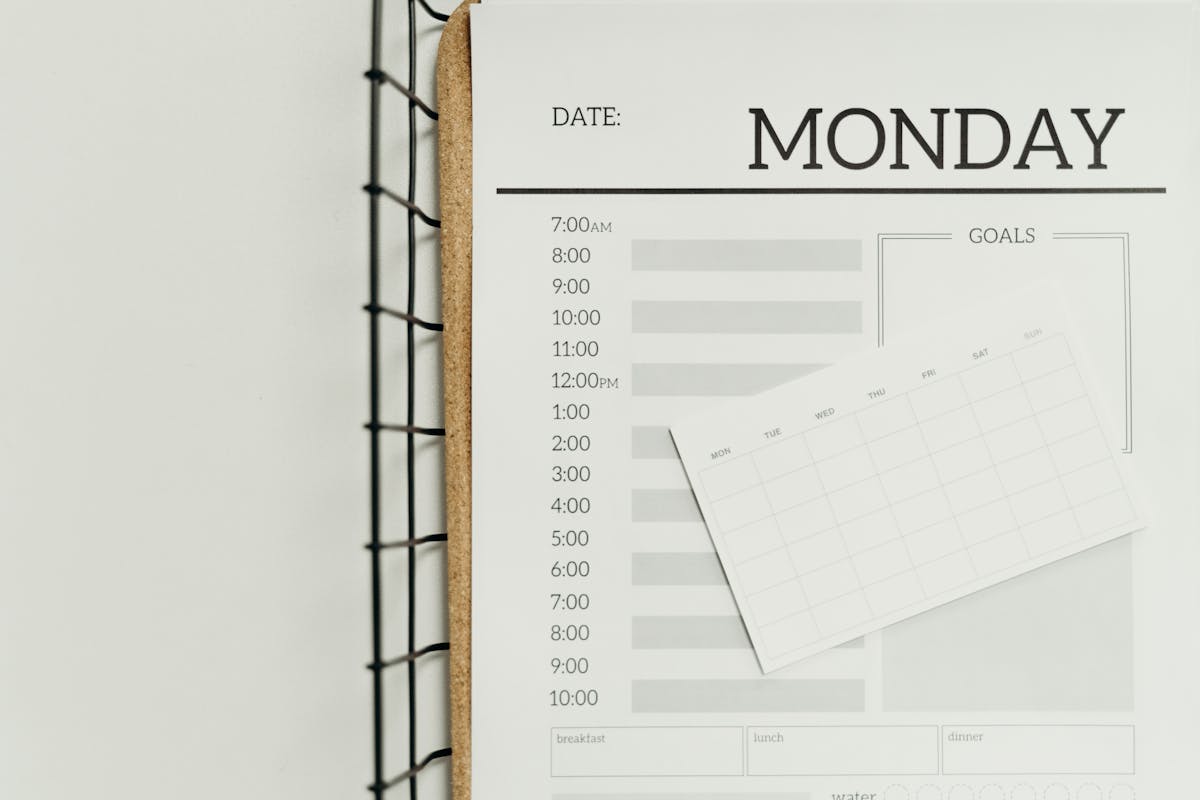
Key Takeaways
- Time blocking is a daily schedule method where each task gets its own time slot.
- It works because it removes the constant choice of “what should I do next?”
- Beginners can start with just three blocks per day before building a full schedule.
- Pair time blocking with a focus timer or simple paper planner for the easiest start.
What Is Time Blocking and Why It Works
Time blocking is a daily scheduling method made popular by writers like Cal Newport, who calls it “deep work scheduling.” You take your task list and assign each item a time slot on the calendar, often in 30 to 90 minute chunks. Once a block is on the calendar, that block belongs to that task only.
The reason it works is simple. Your brain spends a lot of energy choosing what to do next. Studies suggest decision fatigue can hurt focus and willpower as the day goes on. According to a summary from the American Psychological Association, repeated small decisions wear down mental energy. Time blocking removes those small decisions because the choice was already made when you wrote the block down.
You also stop multitasking. Research from Stanford has shown that heavy multitaskers tend to perform worse on focus tasks than people who do one thing at a time. A time block forces a single subject onto your screen and a single goal in your head.
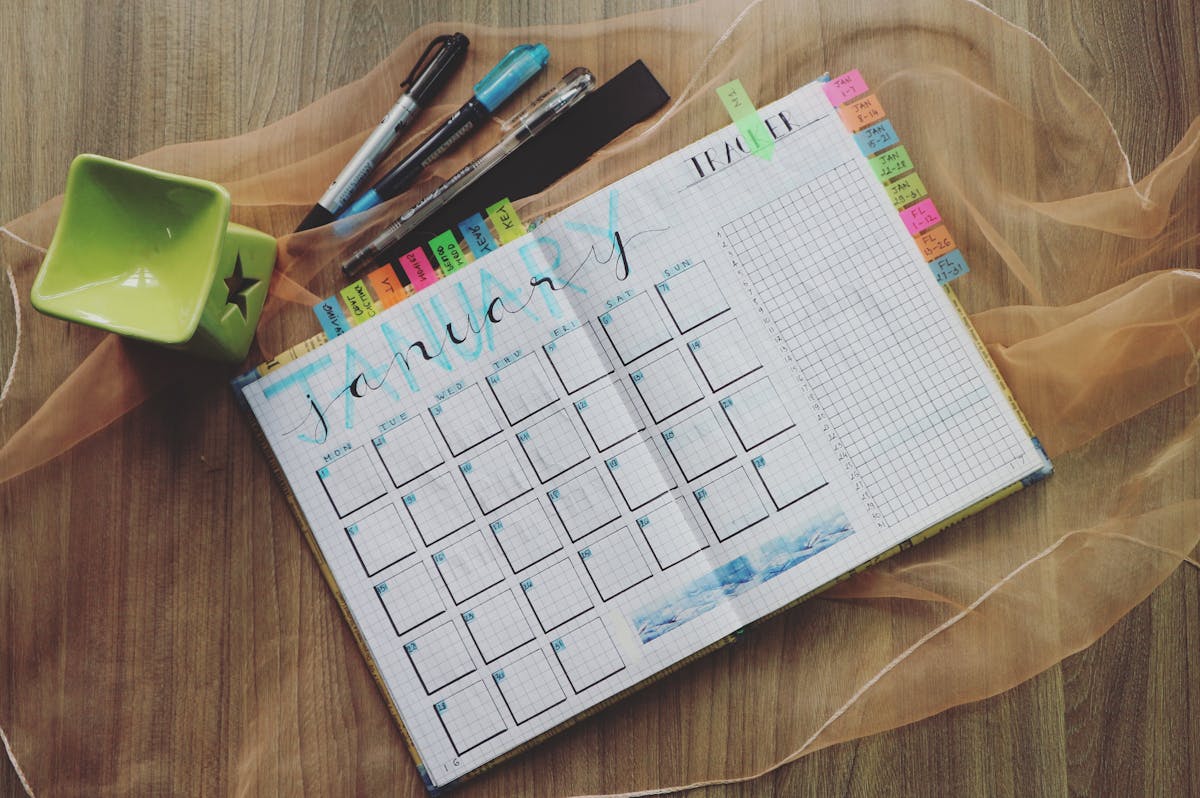
Watch: How to Time Block the Right Way
What you will learn in this video:
- How to do time blocking the right way without overengineering your day.
- The three biggest mistakes new time blockers make and how to avoid them.
- How to keep your blocks flexible so a surprise meeting does not blow up the whole plan.
- Why batching similar tasks into the same block doubles your output.
How to Start Time Blocking in Five Simple Steps
Time blocking sounds technical, but the setup is small. You can run a full version in under ten minutes the night before. Here is a beginner-friendly version you can try today.
Step 1: Write Your Top Three Tasks
Limit yourself to three priority tasks. If you write down ten, you will pick the easiest ones and skip the hard one. Three forces you to choose what actually moves your week forward.
Step 2: Estimate Time Realistically
Beside each task, write how long it will probably take. Most beginners underestimate. Try doubling your first guess. A 30 minute task is often a 60 minute task once setup, transitions, and review are added in.
Step 3: Place Hard Tasks in the Morning
Most people have higher willpower and focus before noon. Put your hardest creative or thinking task into your first morning block. Save email and admin work for the afternoon when willpower naturally dips.
Step 4: Add Buffers Between Blocks
Schedule 10 to 15 minutes between blocks for stretching, water, or a quick reset. Stacking blocks back to back leads to burnout. Buffers are not wasted time, they are the lubricant that keeps the day flowing.
Step 5: Review at End of Day
Spend three minutes at the end of the day comparing what you planned against what actually happened. This builds your time estimation muscle. After two weeks, your blocks will be far more accurate than they were on day one.
Refine Days Time Blocking and ADHD Planner

Source: amazon.com
An undated A5 planner with hourly schedule pages and built-in to-do lists.
The Wellthie One Review
This planner is one of the most beginner friendly options on Amazon. The hourly grid is already drawn for you, so there is no setup. The undated pages mean you can skip days without wasting paper. I love that the layout pairs a daily to-do list with the schedule, so your priorities and your blocks stay on the same page.
Refine Days Planner Attributes
- 180 undated pages so you can start and stop without guilt
- Hourly schedule grid pre-printed on every page
- Compact A5 size fits in most bags
- Designed with ADHD friendly layouts and clear visual cues
Common Time Blocking Mistakes to Avoid
Most people who quit time blocking quit for one of these reasons. Knowing them ahead of time saves you a lot of frustration.
Mistake 1: Blocking Too Tightly
If your day is 100 percent scheduled, the first interruption breaks everything. Leave 25 to 30 percent of your day unblocked. Real life happens.
Mistake 2: Treating Blocks as Optional
If you skip blocks just because you do not feel like it, you are back to a regular to-do list. Blocks only work when you treat them as small commitments to yourself.
Mistake 3: Forgetting Recovery Time
You cannot do six 90 minute deep work blocks in a row. Most people only have two to three high-focus blocks in them per day. Plan accordingly. Use afternoon blocks for lighter tasks.

Use a Timer to Reinforce Each Block
The single tool that helped me the most is a small visual timer. The pomodoro technique pairs naturally with time blocking. You set the timer for the length of your block and start. When the timer rings, you stop and take a buffer. The friction of starting drops to almost nothing because the timer takes the decision off your shoulders.
If you have ever done the pomodoro technique for deep work, you know this loop already. Time blocking is just pomodoros assigned to specific tasks instead of generic 25 minute sprints.
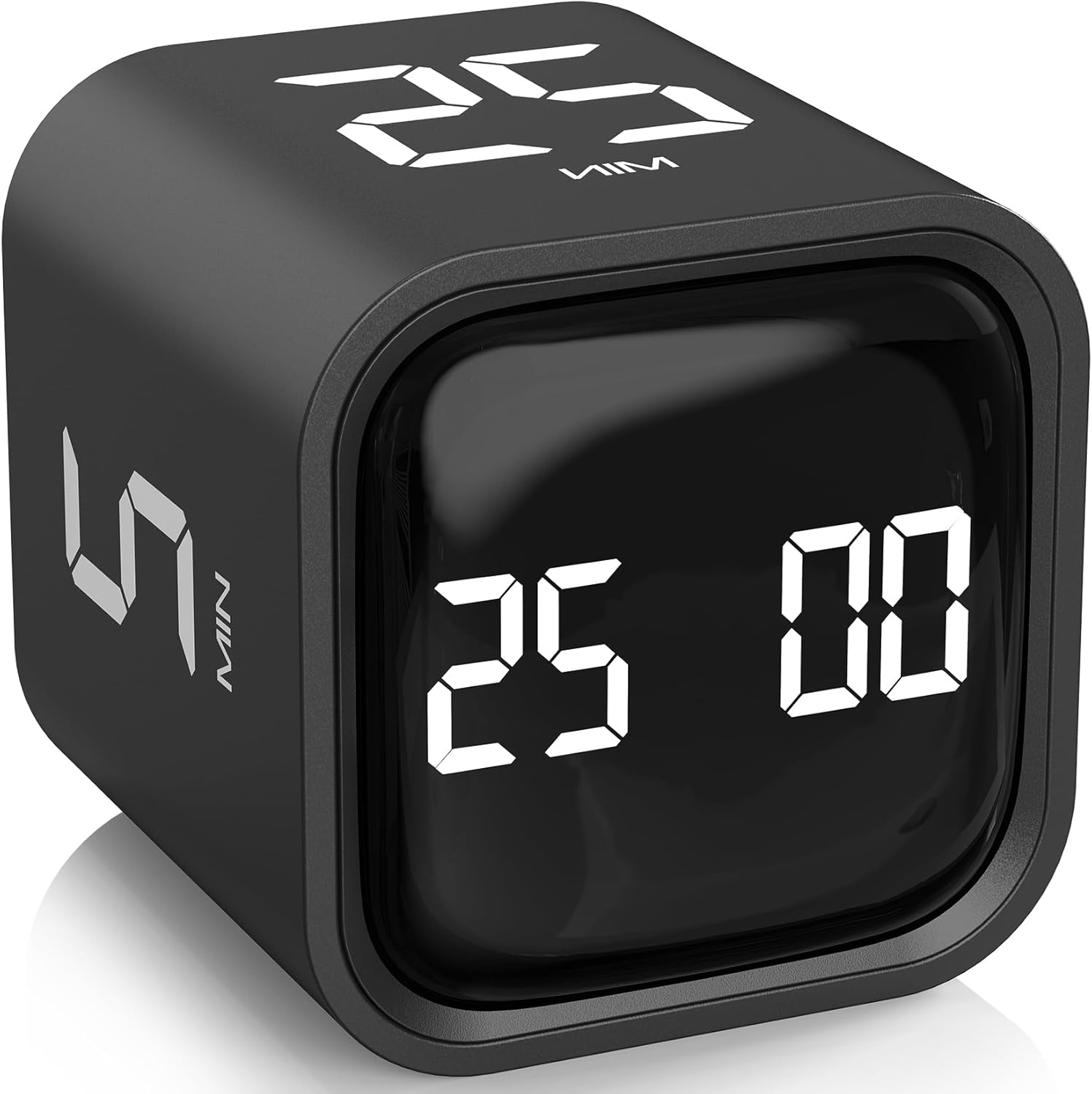
Rotating Pomodoro Flip Timer
Source: amazon.com
A simple desk cube timer with preset 5, 10, 25, and 50 minute focus modes.
The Wellthie One Review
The flip timer takes app distractions out of the equation. You flip the cube to your block length, set it on the desk, and you are off. The vibration mode is gentle for shared offices. I prefer a physical timer because reaching for my phone to start a focus app usually ends in a scrolling rabbit hole.
Pomodoro Flip Timer Attributes
- Preset 5, 10, 25, and 50 minute focus modes
- Custom mode for any block length you choose
- Quiet vibration option for shared workspaces
- USB rechargeable, no batteries to swap
Time Blocking Templates That Work
You do not need a fancy app to start. Many beginners do their best work with a simple weekly pad. Below are three template patterns to test in your first month.
Template 1: The 90/15 Rhythm
90 minutes of focused work followed by a 15 minute break. Repeat three times before lunch. Then admin work in the afternoon. Best for creative work and projects that need long thinking time.
Template 2: Theme Days
Each day of the week has a theme. Monday is admin, Tuesday is creative, Wednesday is meetings, Thursday is creative, Friday is review and planning. The theme decides what time blocks fill the day.
Template 3: The MIT Block
MIT stands for “most important task.” Pick one MIT each day and block it as your very first morning slot. Everything else is a bonus. This is the gentlest version of time blocking and a great place to start if a full schedule feels overwhelming.
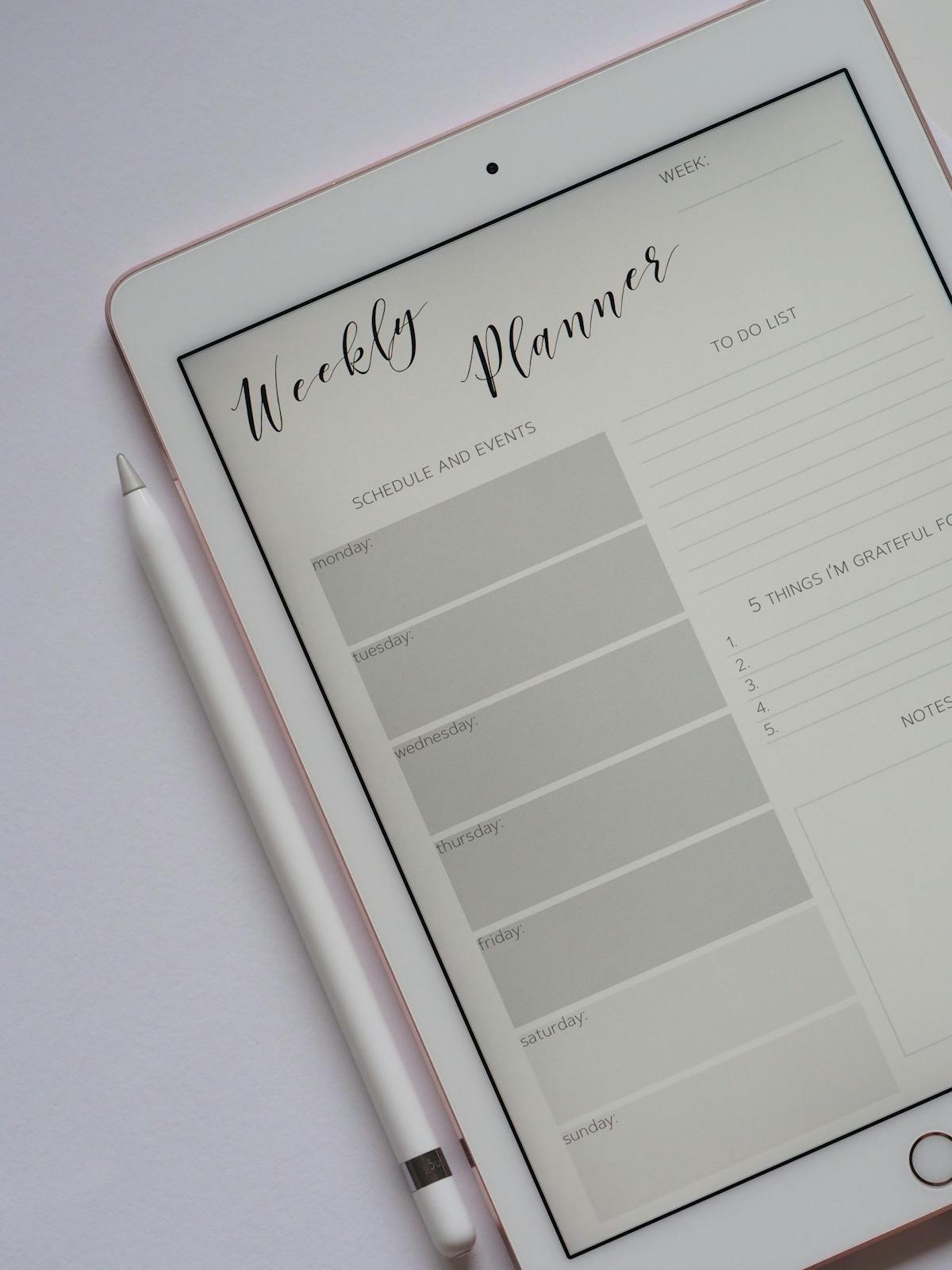
Tear Off Undated Weekly Planner Notepad

Source: amazon.com
Premium A4 weekly schedule pad with thick paper and a sturdy backing board.
The Wellthie One Review
If a bound planner feels too permanent, a tear-off pad is freeing. Each week starts on a clean sheet. You can experiment with templates without filling a whole notebook. I like to keep one on the kitchen table for family scheduling and another at my desk for work blocks. The thick paper handles fountain pens without bleeding.
Tear Off Weekly Pad Attributes
- A4 size with full week visible at a glance
- Premium thick paper, no bleed-through
- Cardboard backing for writing on the go
- Undated so you can use it whenever you start
How Time Blocking Connects to Other Productivity Habits
Time blocking pairs beautifully with other gentle productivity habits. If you have read about the two minute rule for procrastination, time blocking is the next layer up. The two minute rule kills tiny tasks. Time blocking handles bigger ones.
It also pairs well with morning routines. A phone-free morning creates the headspace you need to actually use a time block well. Reaching for your phone first thing floods your brain with other people’s priorities. Time blocking only works when your day is yours to plan.
What If a Time Block Goes Sideways?
Sometimes a meeting runs long. A child needs help. A task takes triple the time you estimated. This is normal. The point of time blocking is not to lock you into a perfect day. It is to give you a default plan to return to whenever life lets up.
If a block falls apart, slide it. Pick a different time today, or move it to tomorrow. Cross it off the original slot and re-write it elsewhere. The act of moving it on paper keeps you in the driver’s seat. Compare that to a long to-do list where tasks vanish into the void.
How Long Until Time Blocking Feels Natural?
Most beginners feel awkward for the first one to two weeks. The night-before planning step feels like extra work at first. Then something clicks. Days start to feel less chaotic. You stop ending the day wondering where the hours went. By week three, the planning step takes five minutes instead of fifteen.
If you fall off, do not start over from zero. Just plan tomorrow. Even one block per day is a win. Consistency over intensity is the rule that keeps this practice sustainable for years instead of weeks.
Final Thoughts on Time Blocking for Beginners
Time blocking is one of the simplest productivity habits with the biggest return. You do not need an app. You do not need to learn a system. A piece of paper, a pen, and three priority tasks is enough. Add a timer once you are comfortable, and you will find yourself finishing meaningful work without the guilt loop of an endless to-do list.
Start small. Block three things tomorrow. See how the day feels at 5 p.m. compared to a regular Tuesday. The data will be all the convincing you need.
This post may contain affiliate links, which means we may receive a small commission, at no cost to you, if you make a purchase through a link.


